Export to the formats you use
Documents to Word or PDF, slides to PowerPoint, models to Excel.
Visual Workbook
Draft investment memos, board decks and valuation models with the AI Analyst working beside you. Documents carry numbered sources you can open, and the finished work exports to PowerPoint, Word, PDF and Excel.
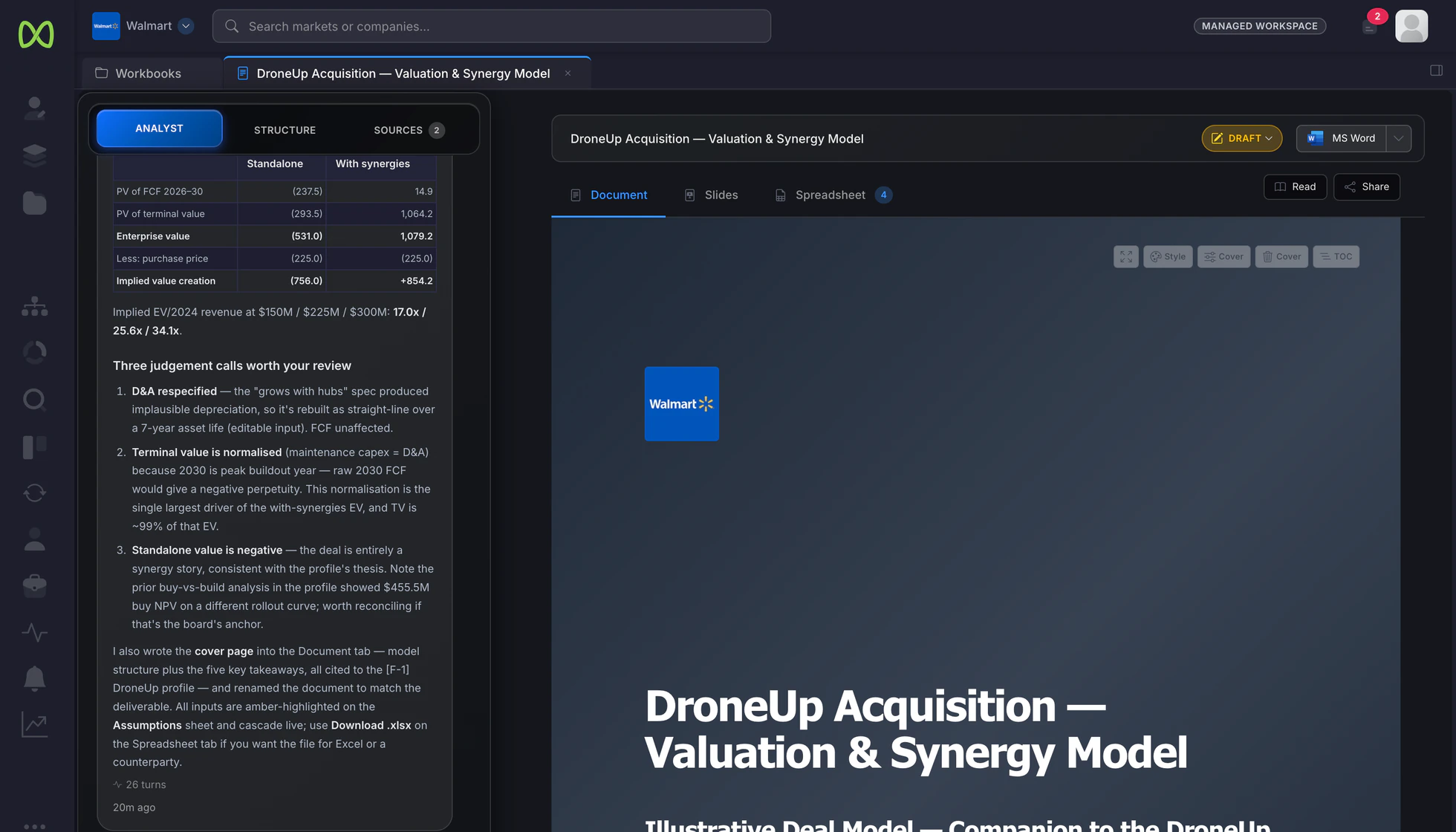
Inside the workbook
Each piece of work keeps its document, slides and spreadsheet side by side. Edit any part yourself, or tell the Analyst what to change.
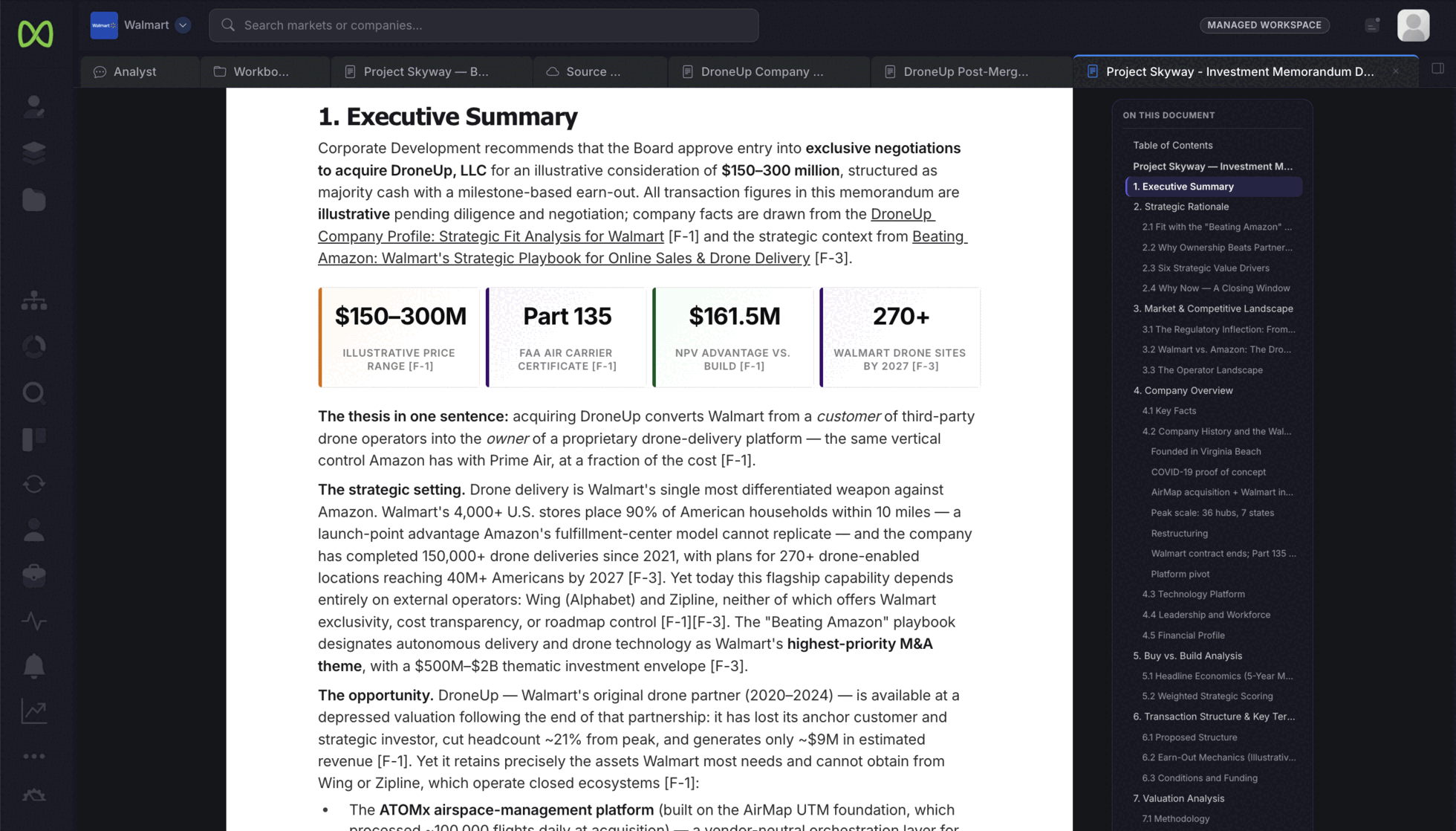
The Analyst researches and drafts the memo, sector report or company profile section by section. Numbered citations tie each point to where it came from, whether that is a public source or another document in your workspace.
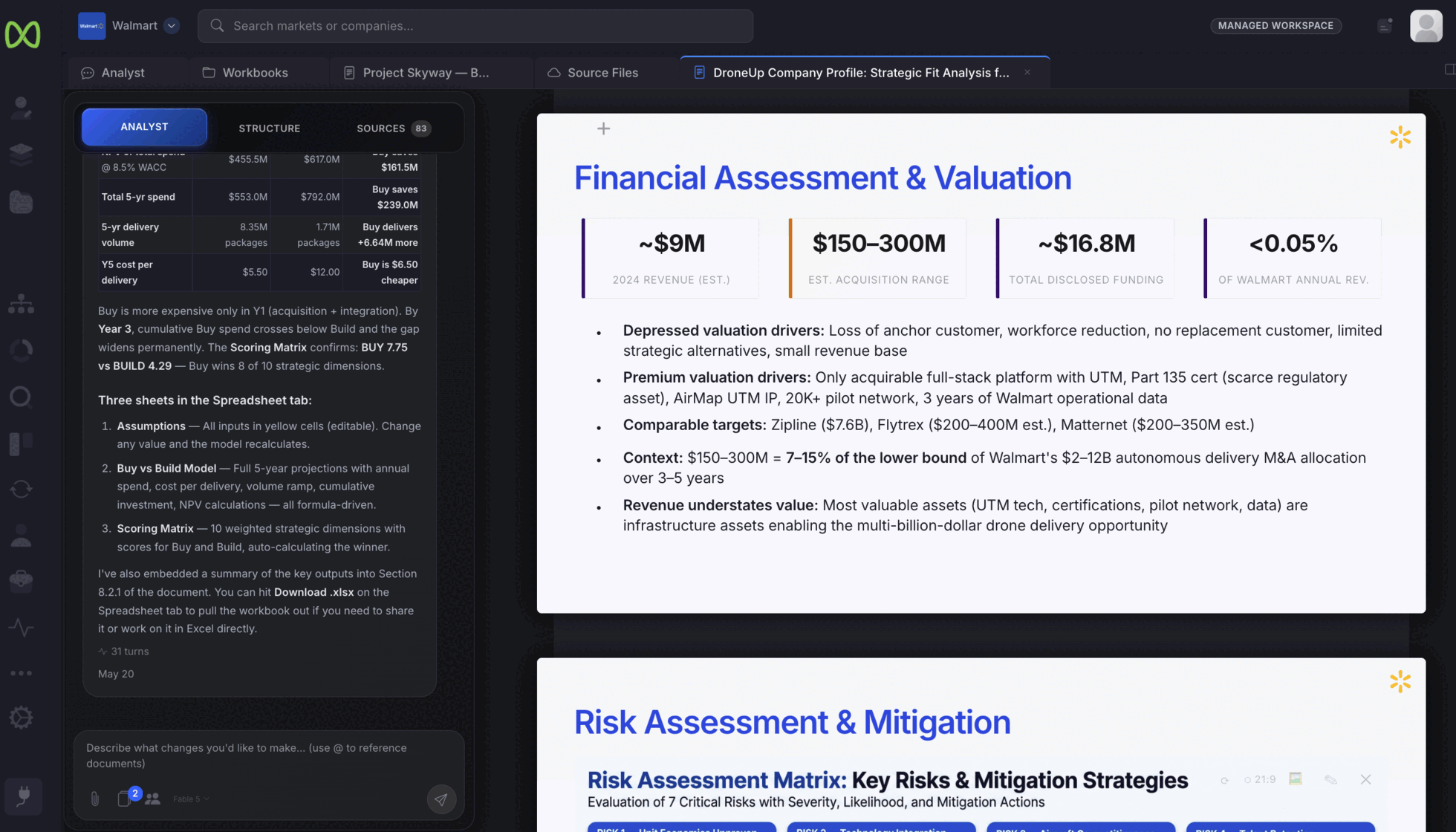
Turn the analysis into a deck without rebuilding it. The slides sit in the same workbook as the document and the model, and take your workspace theme: colors, fonts, logo, cover and footer.
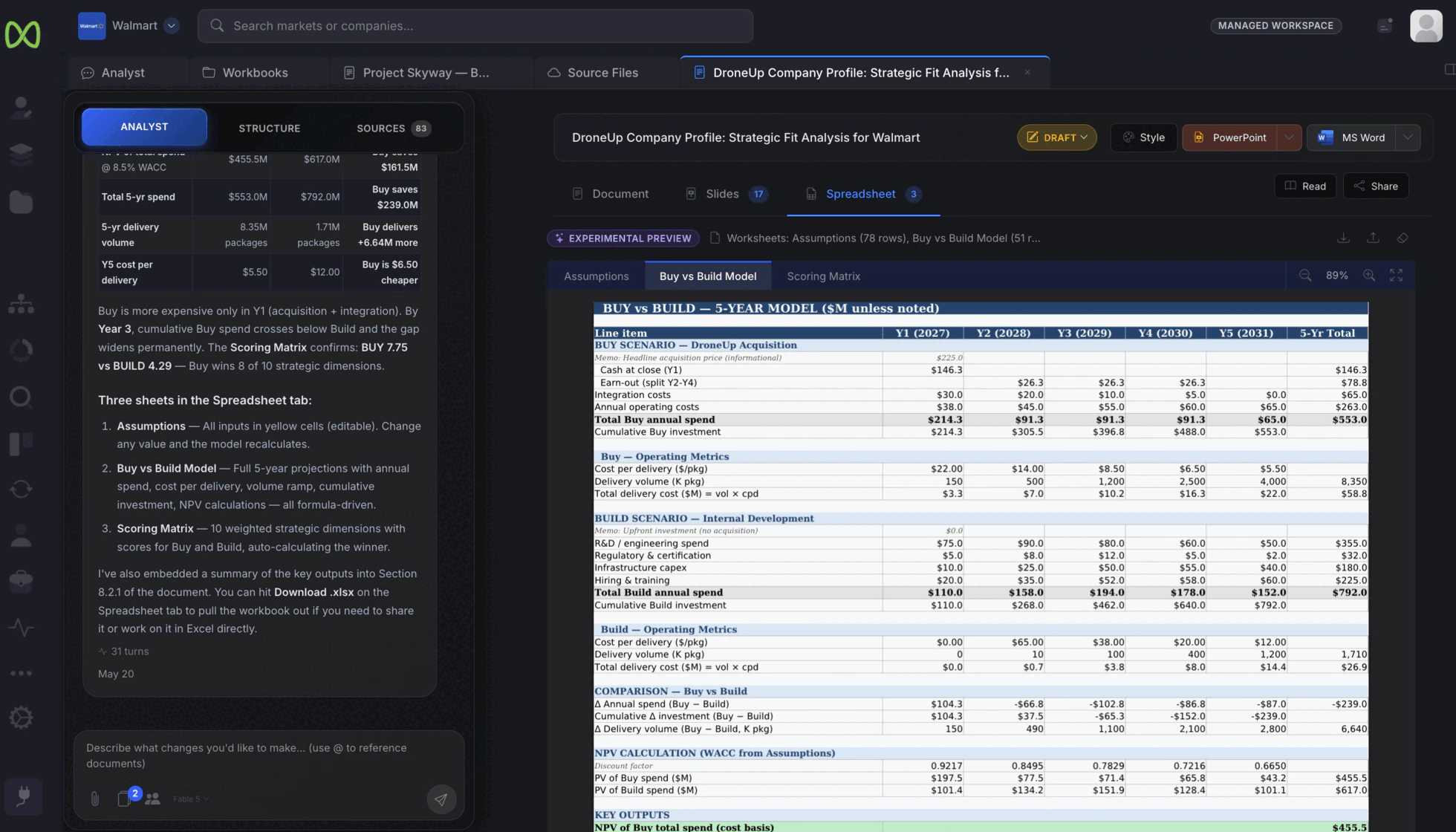
Build the valuation, synergy or buy-versus-build model in the spreadsheet. Inputs sit on an assumptions sheet, the model recalculates when you change them, and the workbook downloads to Excel.
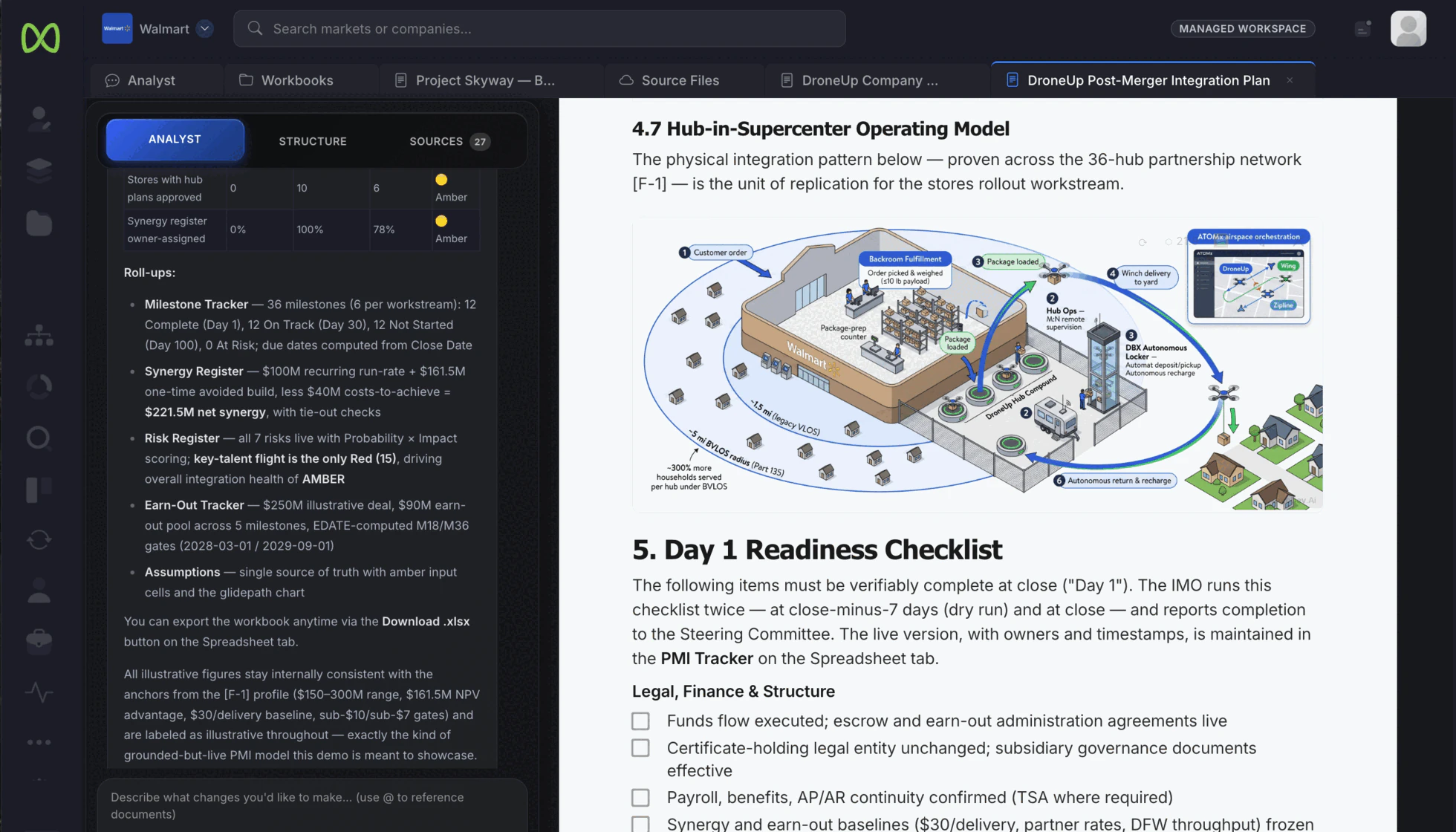
Some points land faster as a picture. Ask the Analyst for an isometric view of how an operation works and it draws one into the document or slide where the argument needs it.
When the work leaves the workspace
Documents to Word or PDF, slides to PowerPoint, models to Excel.
Your colors, fonts, logo, cover and footer carry through the slides and charts.
Send a link to the document instead of a file. Share links expire, so access does not stay open.
What teams build here
The same workbook carries the work from the first market question to the board decision.
Open the sample work
A memo, a board deck, a model and a sector report from the same illustrative Walmart / DroneUp autonomous-delivery case. They show the work; they do not describe a real transaction or a customer engagement.
Strategic rationale, the market, buy-versus-build economics, illustrative terms and valuation, written for a board decision.
Open the sample memo ↗ Board deckThe same case as a deck for the boardroom: market, target, deal, synergies, integration and the recommendation.
Open the sample deck ↗ ModelA live workbook with its assumptions, the valuation with and without synergies, and a written summary. Downloads to Excel.
Open the sample model ↗ Sector reportThe market research behind the case, with numbered public sources.
Open the sample report ↗More examples are in the sample library. To see how the research behind them is done, meet the AI Analyst.
Start with the deal in front of you: draft the memo, build the deck and the model from the same analysis, and export the pack your board reads.