Pipeline Management
Your deal pipeline,
with the research on every card.
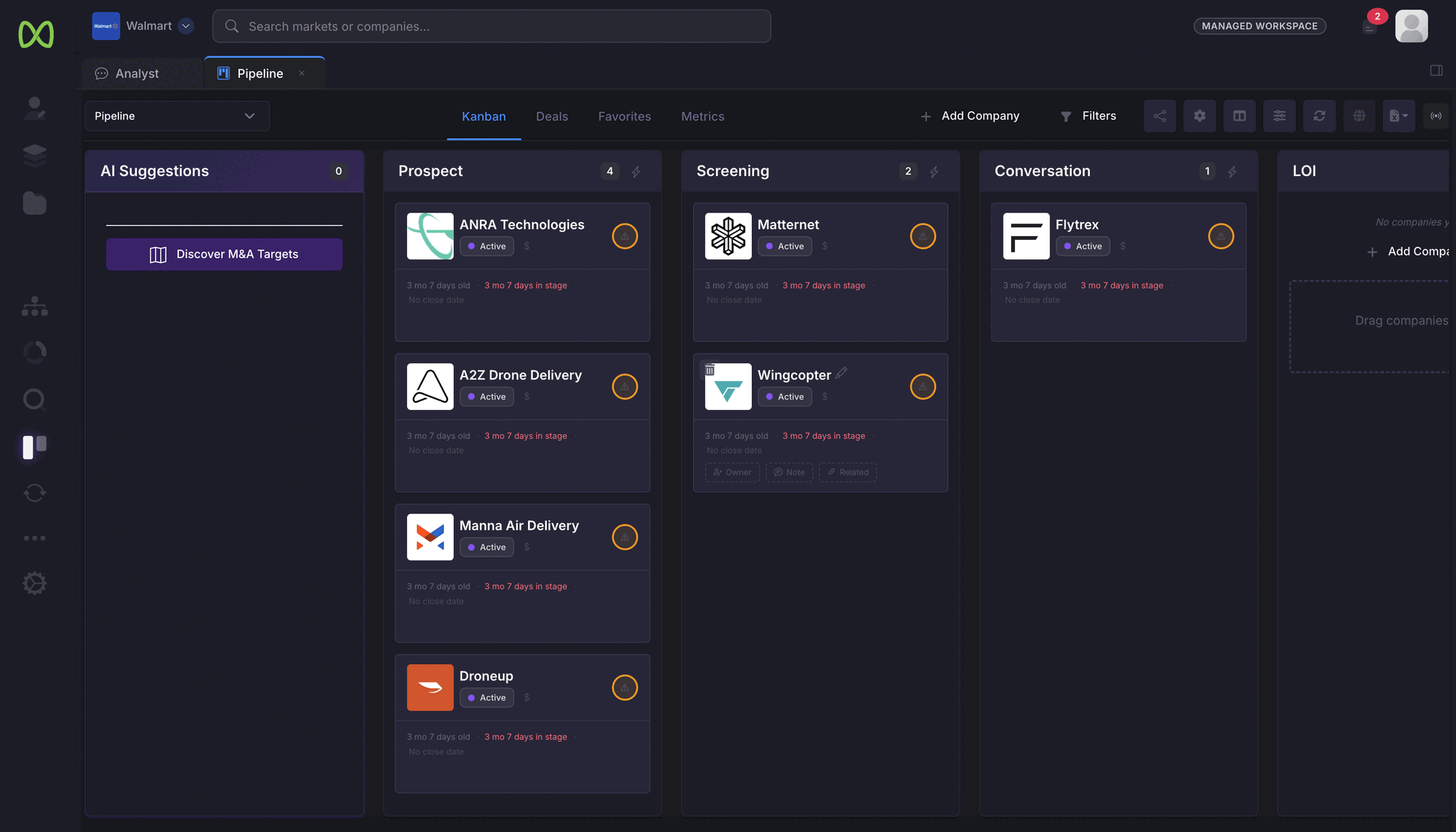
Set the stages your process actually uses and move companies through them. Every card links to the company's profile, research and documents, and AI columns answer the questions you track for every company on the board.
How it works
Stages, cards and questions that fit your process.
Stages named the way your team works
Prospect, Screening, Conversation, LOI, or whatever your process calls them. Define the stages, add companies, and drag cards as the process moves.
- Each card opens the company's profile, research and documents
- Kanban, Deals and Favorites views of the same pipeline
- Download the Deals table as an Excel workbook
AI columns that follow the developments you care about
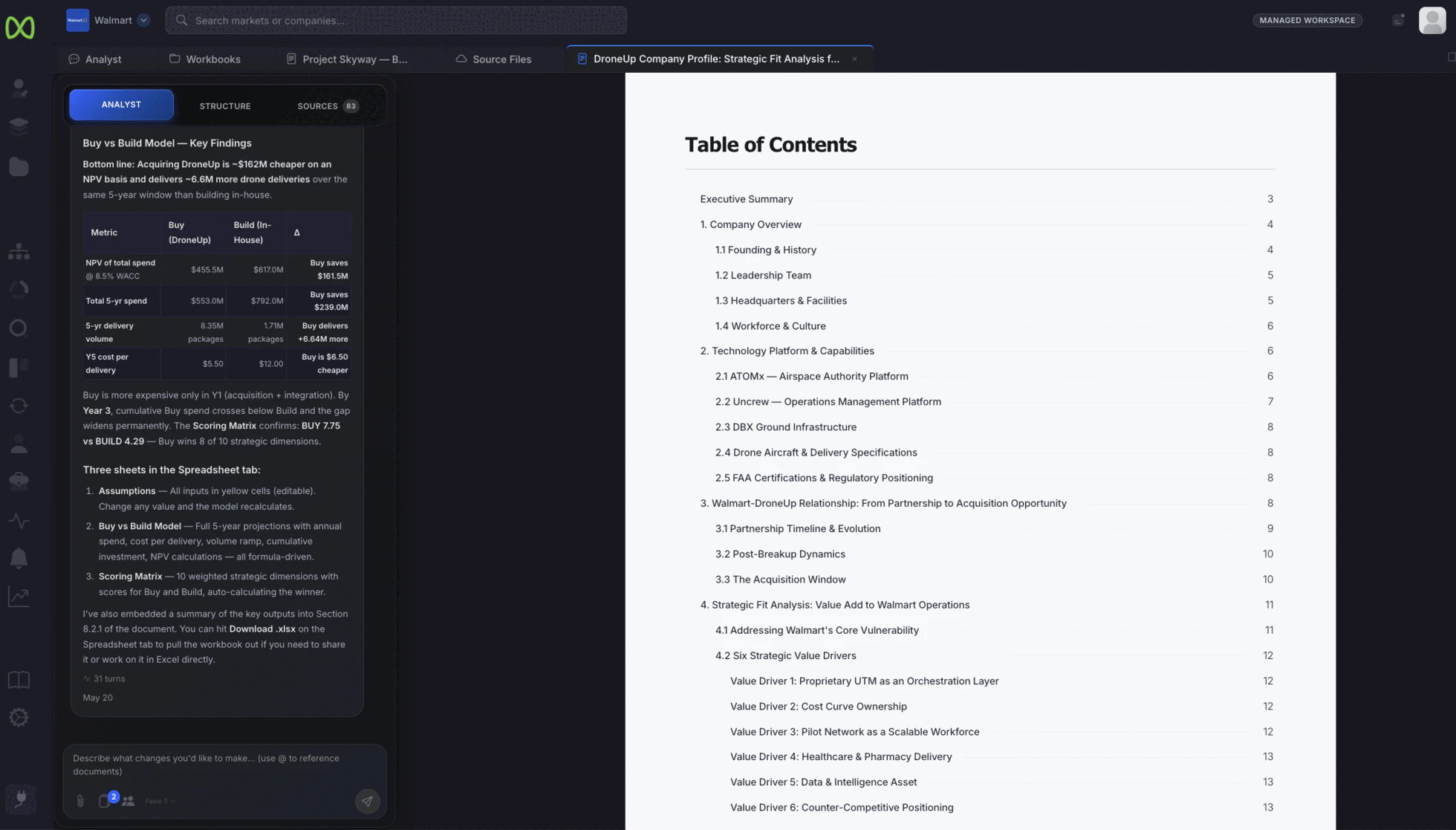
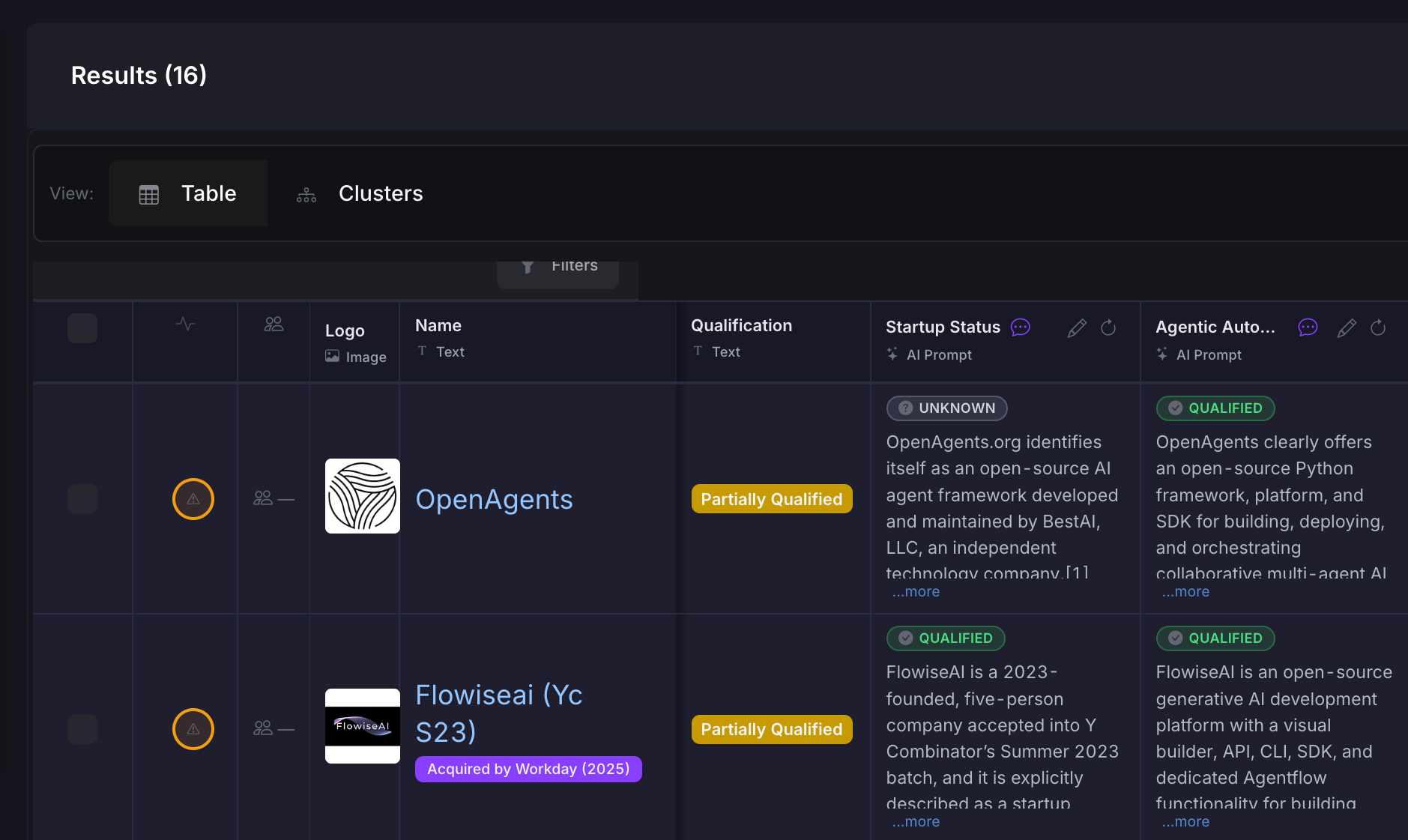
Add a question as a column and every company on the pipeline is researched against it. Development columns cover funding, product and partnerships, leadership changes and M&A signals, and rate each finding by how significant it is. Refresh them when you want a current read. When a development column finds something significant, the company is flagged Engagement Recommended in the pipeline's Deals table, so the review starts with the companies that changed.
Around the pipeline
Connected to your inbox, your colleagues and the Analyst.
- Email and calendar
- Connect your Google or Microsoft 365 email and calendar to the workspace.
- View-only sharing
- Share a pipeline with view access for colleagues who need to follow the process without changing it.
- The Analyst beside the board
- Open the Analyst next to the pipeline to research a company, compare the shortlist or draft the memo for the target that reaches LOI. Meet the AI Analyst →
- Excel
- CorpDev.AI for Excel reads your pipeline along with your data room and research, from the Excel task pane. See the Excel add-in →
Both sides of the deal
Buy-side targets and sell-side buyer processes.
Acquisition target pipeline
Track targets from long list to LOI, with the research, development columns and documents behind each one.
See the buy-side use case → Sell-sideBuyer process pipeline
Track each potential buyer through your process stages, with its profile, the research on its fit and notes on its card.
See the sell-side use case →Managed Services
Want help building the long list behind the pipeline?
Our best minds can source and screen the companies that go into your pipeline, working in your workspace alongside your team.
The outreach stays yours.
We never contact targets or approach owners. Every conversation and every stage decision on the board belongs to your team.
See Managed Services →Put the pipeline you run today on CorpDev.Ai.
Set up your stages, add the companies you are tracking, and add the first question you want answered for every one of them.